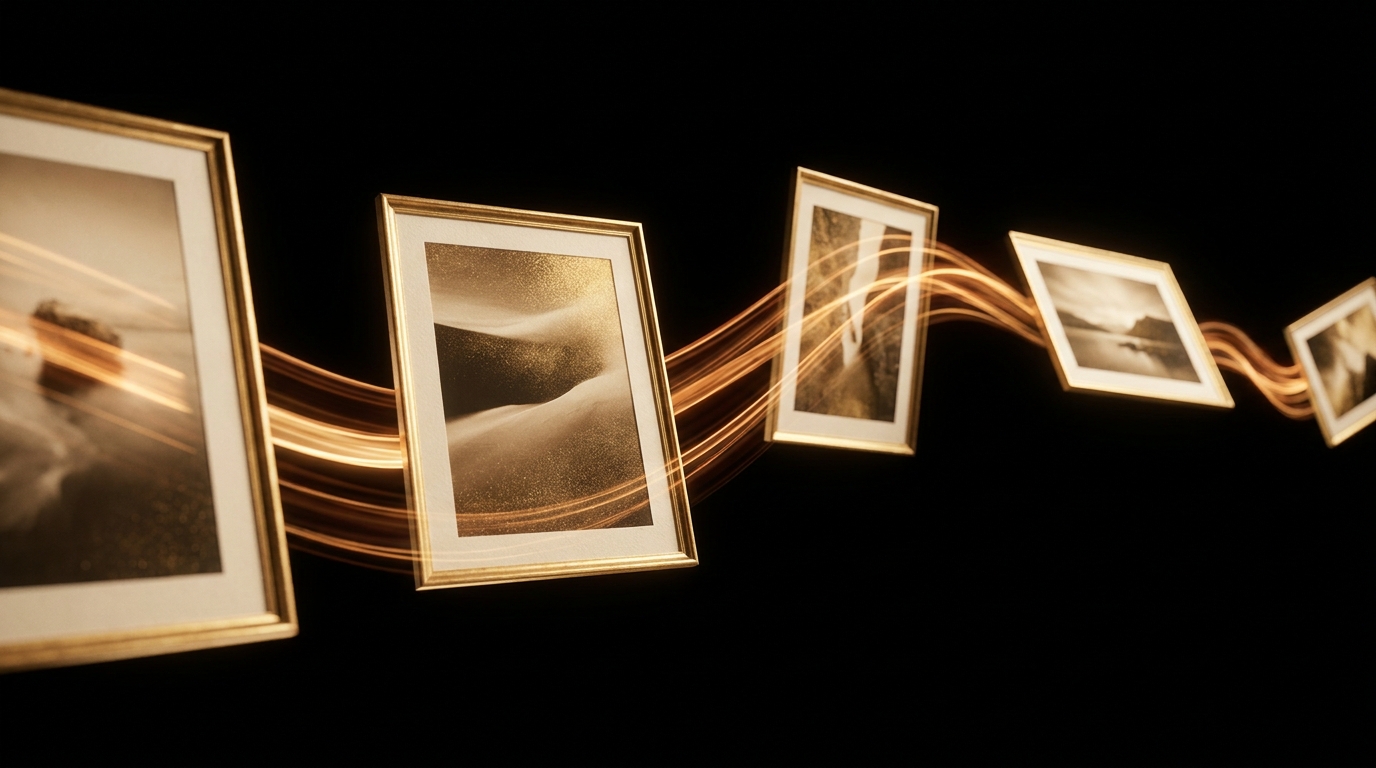
Kling v3 from China's Kuaishou is an underrated gem for videos made from multiple keyframes. You give it 2–4 photos (start, key points, end), and the model smoothly transitions between them.
Perfect for narrative clips: a character changes location, a product assembles itself, seasons shift. Let's break down the whole workflow, from prepping shots to export.
1Prep Your Shots
Grab 2–4 photos in the same style and format. All of them need to be the same resolution and aspect ratio. Composition matters: your first and last frames are anchors, the ones in between are transition points.
2Upload Your Series
In the bot: '🎬 Video' → 'Kling v3' → 'Photo Series'. Attach all your shots in the correct order — it'll keep that order. The bot will show a numbered preview. If the order's messed up, just resend them.
3Describe the Transitions
This is the main difference from regular image-to-video: you need to describe exactly how one frame transforms into the next. Words that work well include: smooth morph, natural transition, camera dolly in, time-lapse.
4Set Duration and Pacing
Kling v3 supports 5 and 10-second durations. If you have 2 frames, go for 5 seconds (1 transition). With 3–4 frames, 10 seconds is better (for several smooth transitions). Pacing tips: use slow morph for atmosphere, quick cut transitions for dynamism.
5If Something Goes Wrong
The most common issue: your character's face changes between frames. That means Kling didn't "link" them as a single object. The fix: make all your frames from the same photoshoot or from one prompt in FLUX/GPT-Image, ensuring the face looks as similar as possible.
What's Next
Serial video is AI-powered editing. Once you've got a 5–10 second clip, you can build a minute-long video from several of these segments in CapCut or DaVinci. Perfect for social media and presentations.
Ready to try it? 20 free credits are enough for 3–5 generations.
Open @quantium_aibot →