AI excels at realistic portraits. This guide breaks down how to write prompts for photos that look like professional studio shots. The formula works for all Quantium models (Midjourney, FLUX, GPT-Image, Gemini).
Don't worry about technical terms; we'll explain each one. After this tutorial, you'll have 5 ready-to-use templates for different styles: everyday, dramatic, vintage, lifestyle, and fashion.
Step 1. The Basic Formula
A good portrait has four simple parts. Describe all four, and the model will deliver almost any result:
- Who's in the shot — gender, age, hairstyle, clothing, emotion. The more specific, the less generic the faces.
- What "camera" — specify the camera and lens (e.g., "Hasselblad, 85mm"). This tells the model: "Make a photo, not a drawing."
- What light — direction, warm or cool. Without light descriptions, portraits look flat.
- What style — editorial, film, minimalist. Words like "editorial" or "Kodak Portra" set a specific mood.
Let's build our first working prompt for FLUX 2 Pro:
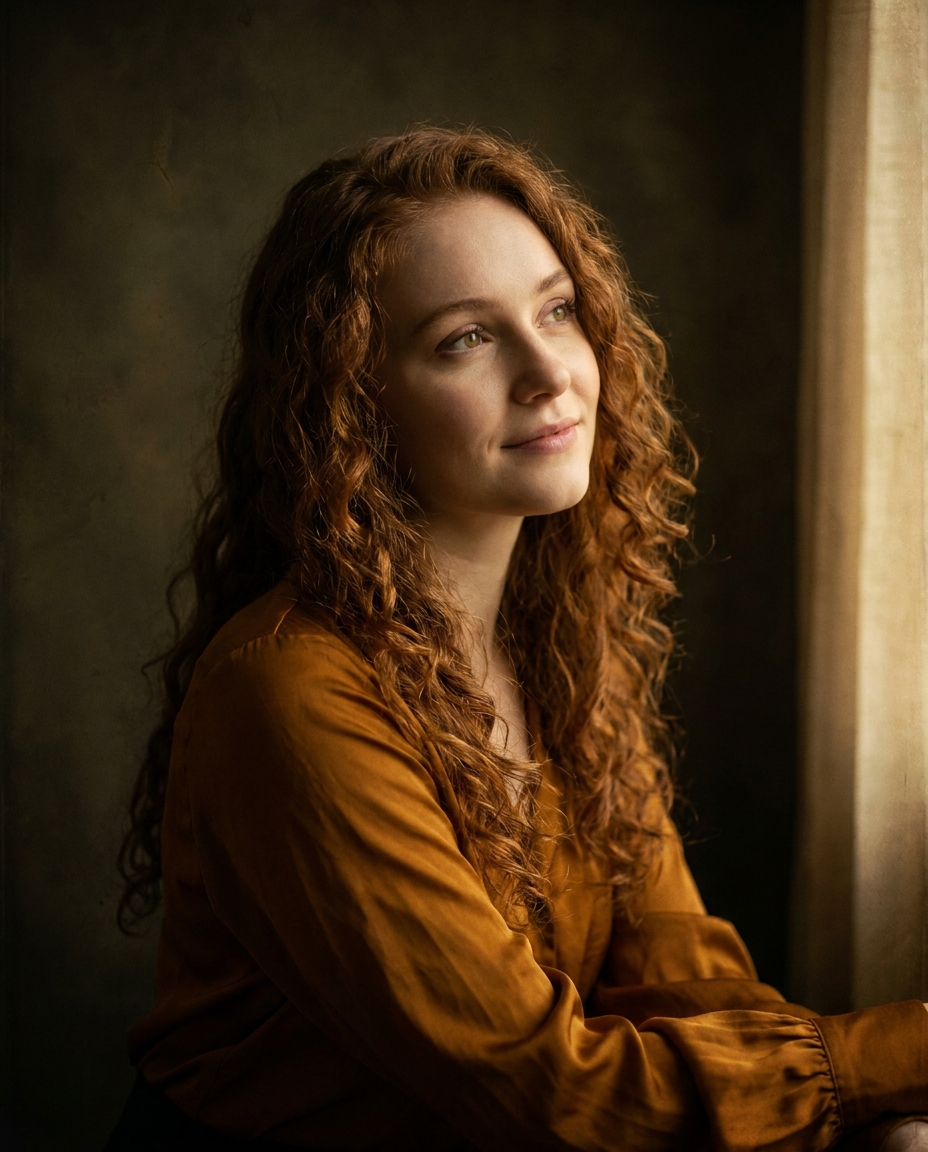
Hasselblad and 85mm are a proven combo for portraits: the medium format camera gives textured skin, and the 85mm focal length offers a natural, distortion-free face perspective. An f/1.4 aperture creates beautiful background blur.
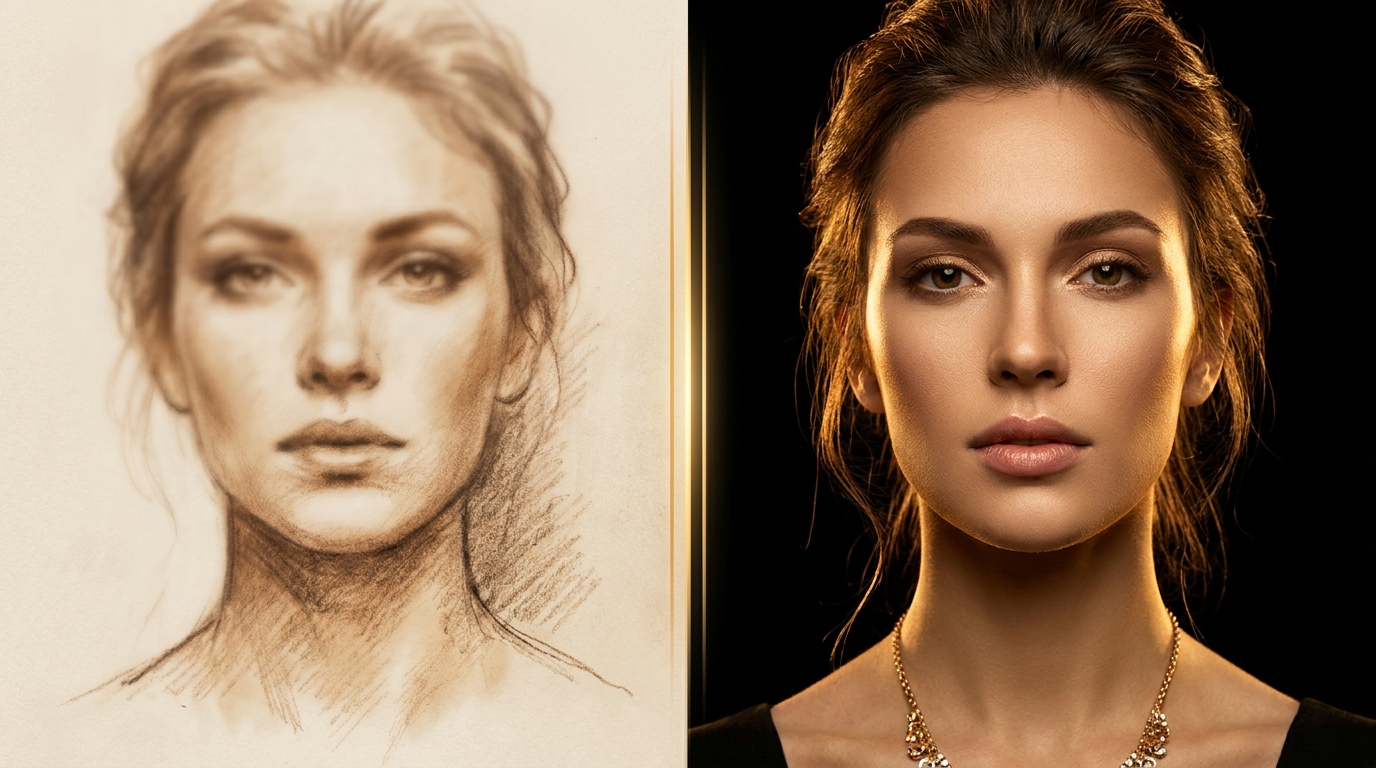
Step 2. The Dramatic Portrait Formula
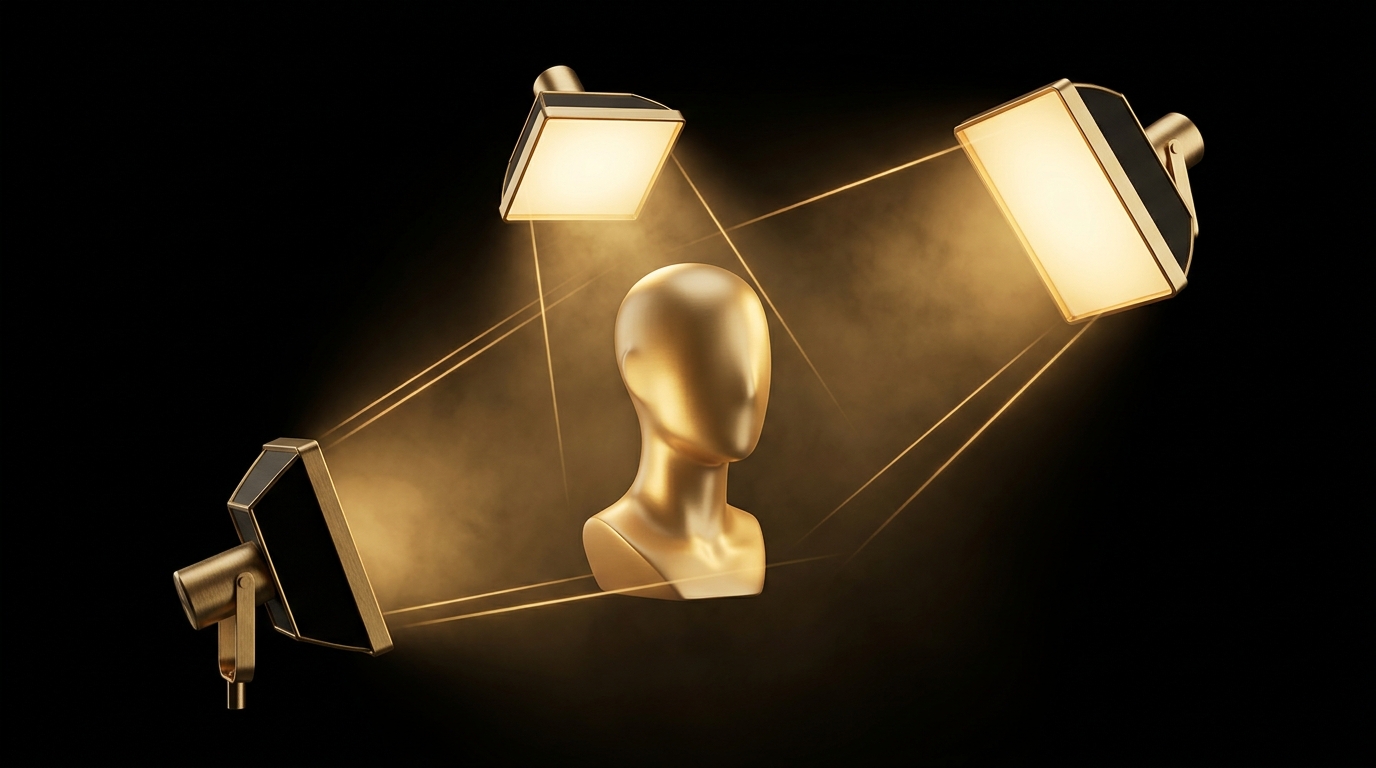
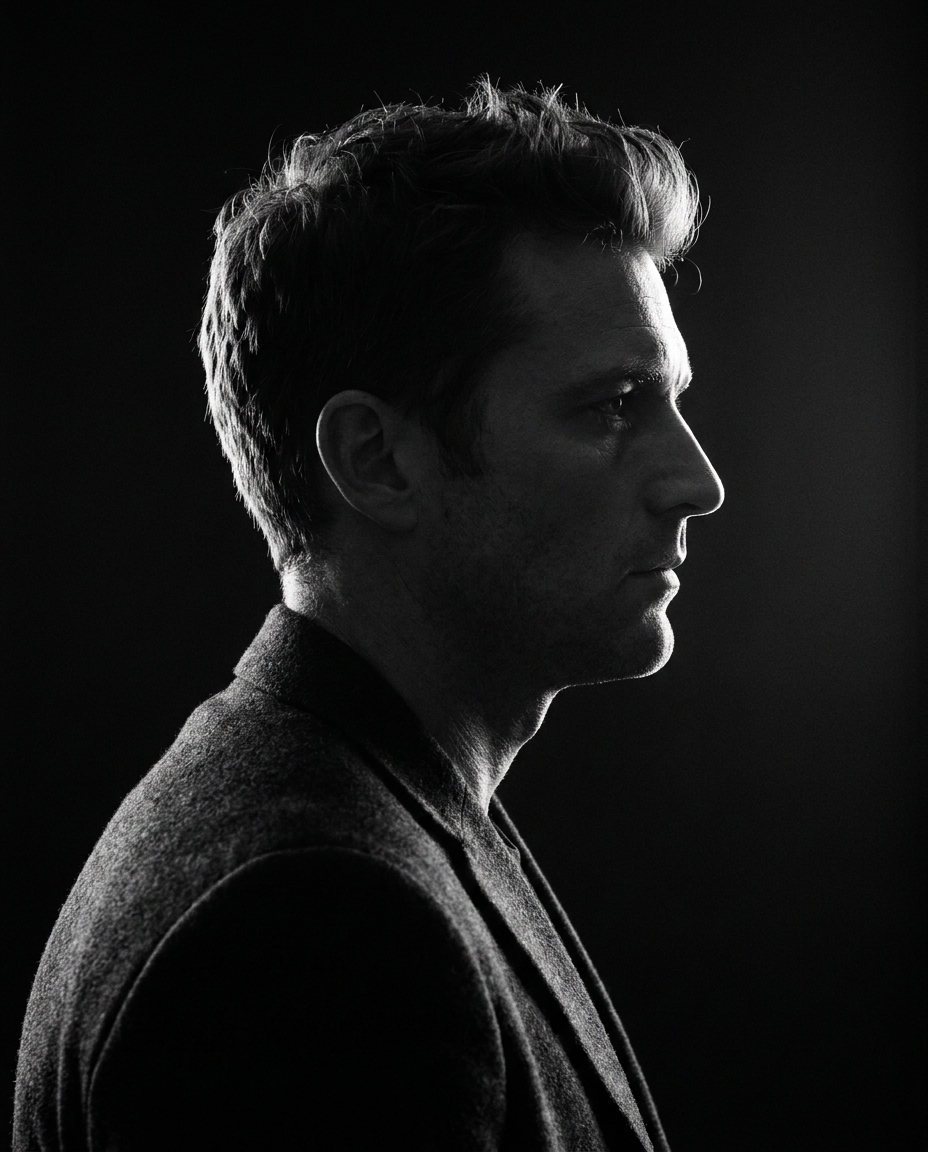
Add contrasting lighting. Three go-to triggers:
- Rembrandt lighting — classic portrait light with a triangle of light on the shadowed cheek.
- Rim light — backlight that highlights the silhouette.
- Chiaroscuro — sharp transition from light to shadow, Caravaggio style.
Here's an example for Midjourney v7:
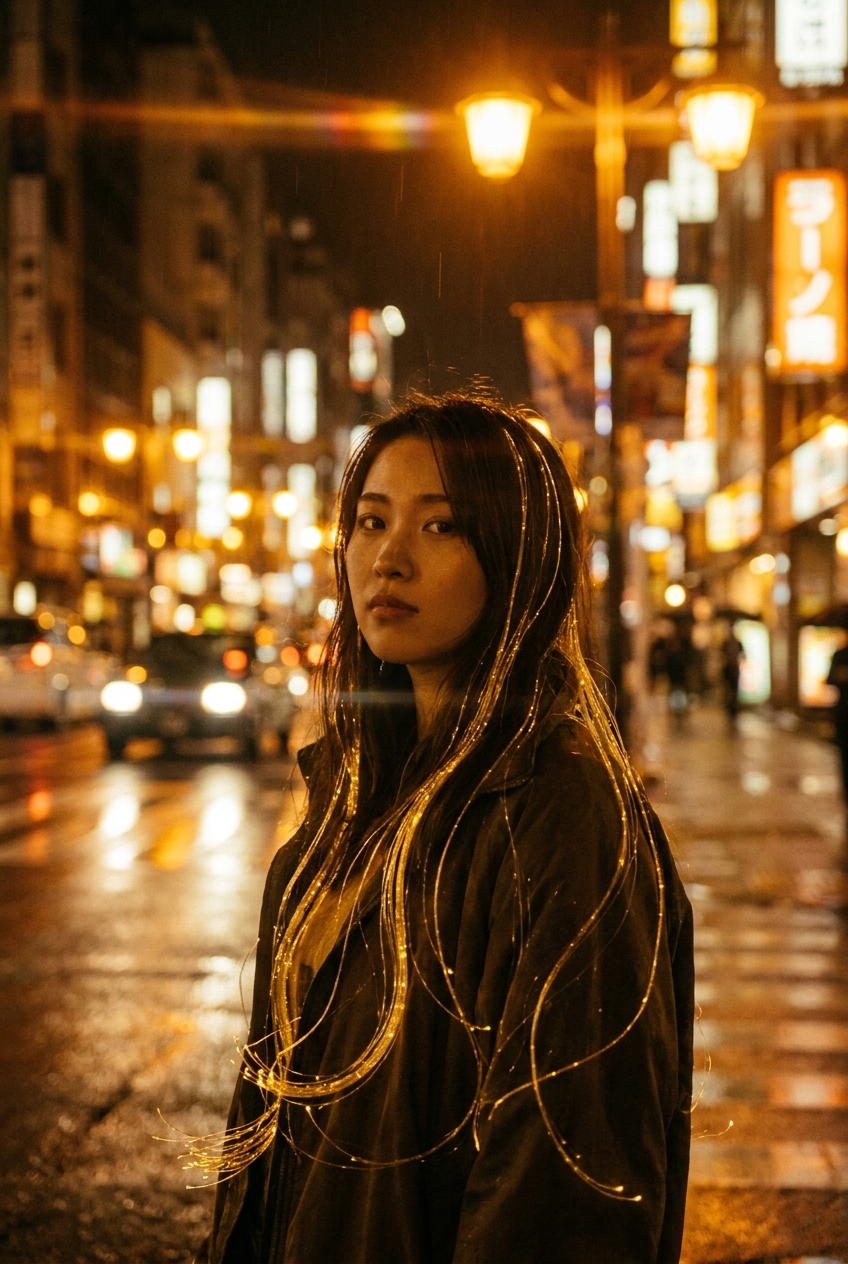
The key here is to specify a dark background. Without it, the model often pulls the scene into a flat gray, and the drama vanishes. The --style raw parameter in MJ removes the default "pretty" stylization, leaving more room for photorealism.
Step 3. The Vintage Portrait Formula
Film effects are a whole universe. AI models know specific film stocks pretty well, and that knowledge works better than an abstract "vintage look."
- Kodak Portra 400 — warm pastels, perfect for skin tones.
- Kodak Ektar 100 — vibrant colors, high contrast.
- Fujifilm Pro 400H — greenish shadows, soft pastels.
- Cinestill 800T — warm halation halos around light sources.
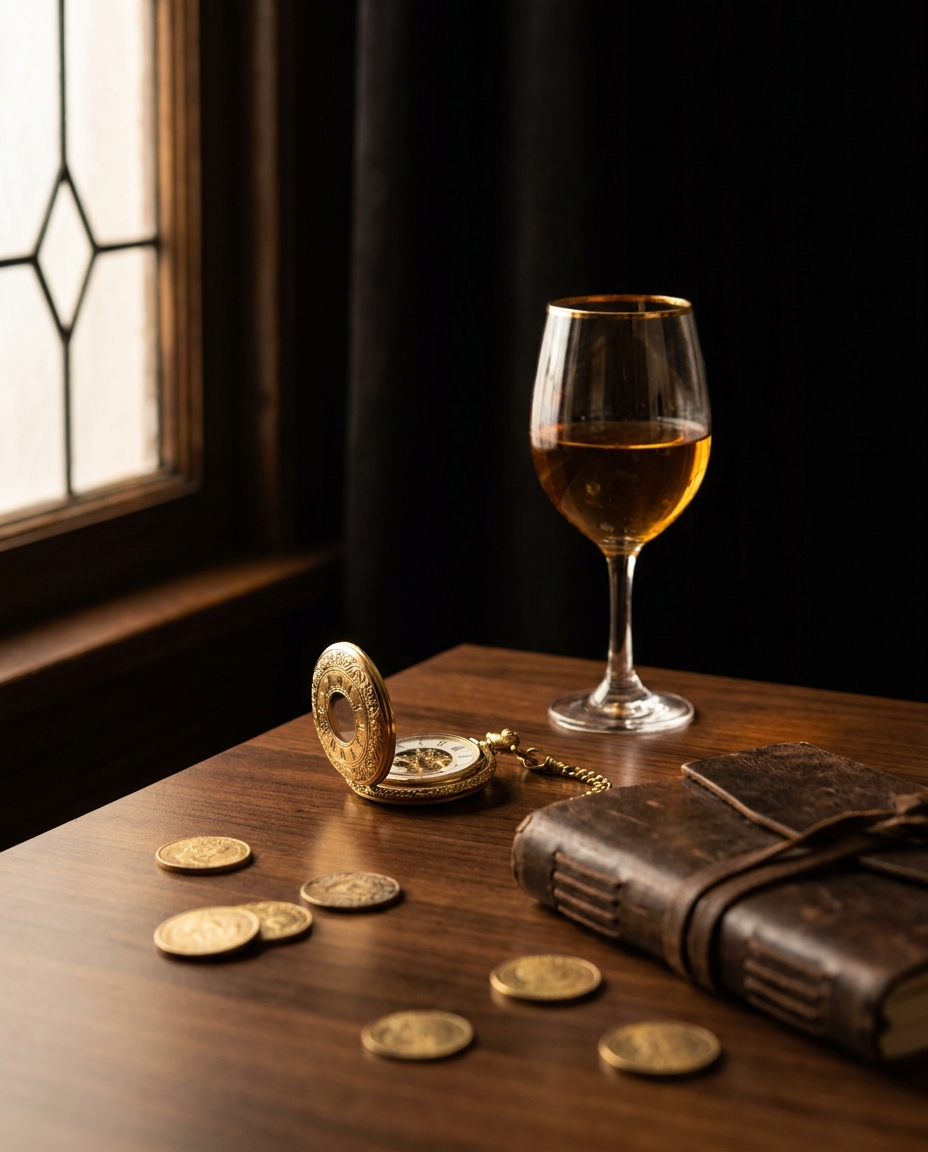
Add light leak and grain for authenticity. And "faded" works noticeably better than "muted" in GPT-Image and Gemini 3 Pro Image.
Step 4. The Lifestyle Portrait Formula
Lifestyle means naturalness and context. People aren't posing; they're doing something, looking somewhere, interacting with their environment. It's used for commercial shoots, catalogs, and brand social media.
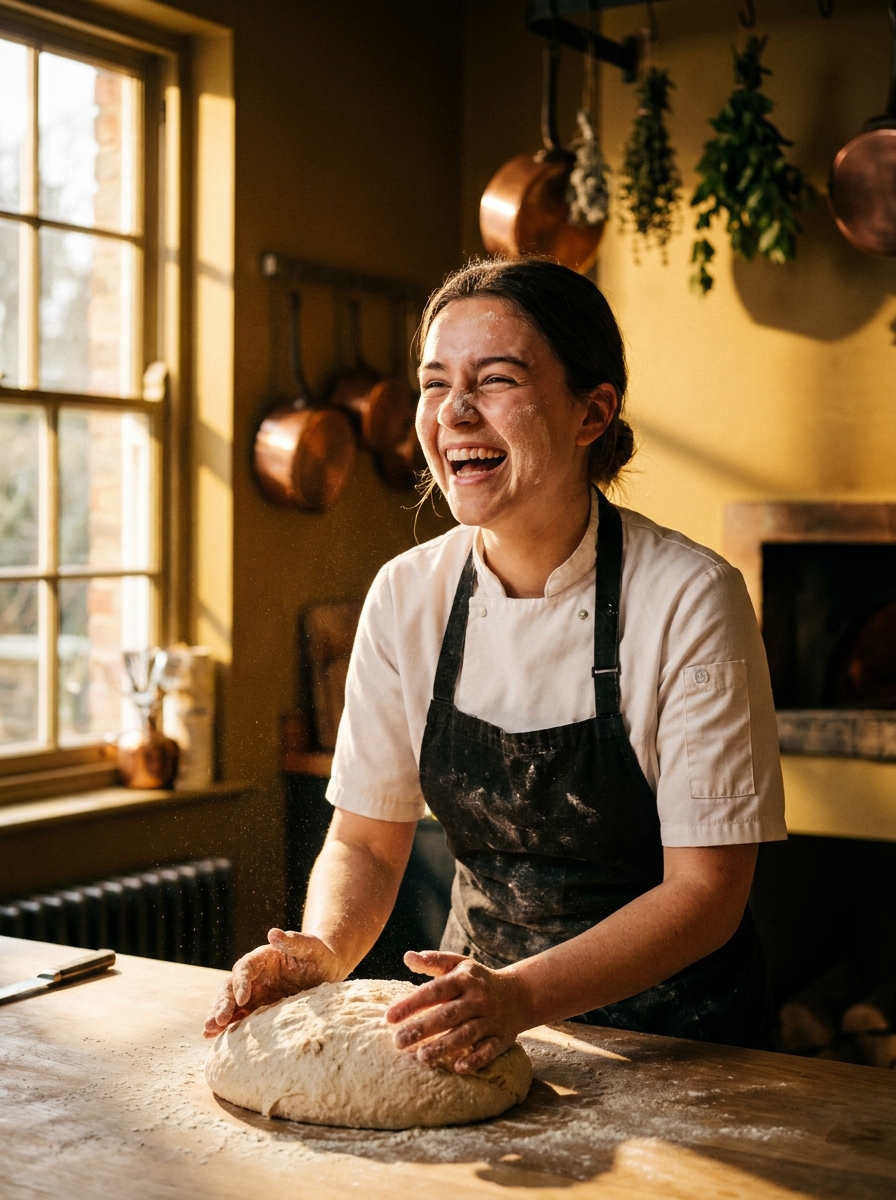
Three tricks: action instead of a pose ("laughing while kneading dough"), a wide angle (35mm instead of 85mm) to include the surroundings, and specific focus ("shallow focus on hands") — the model better understands depth of field.
Step 5. The Fashion Portrait Formula
Fashion is all about studio lighting, makeup, and editorial style. Directly naming magazines (Vogue, Harper's Bazaar) doesn't always work; models start filtering. Instead, describe the style with neutral words.
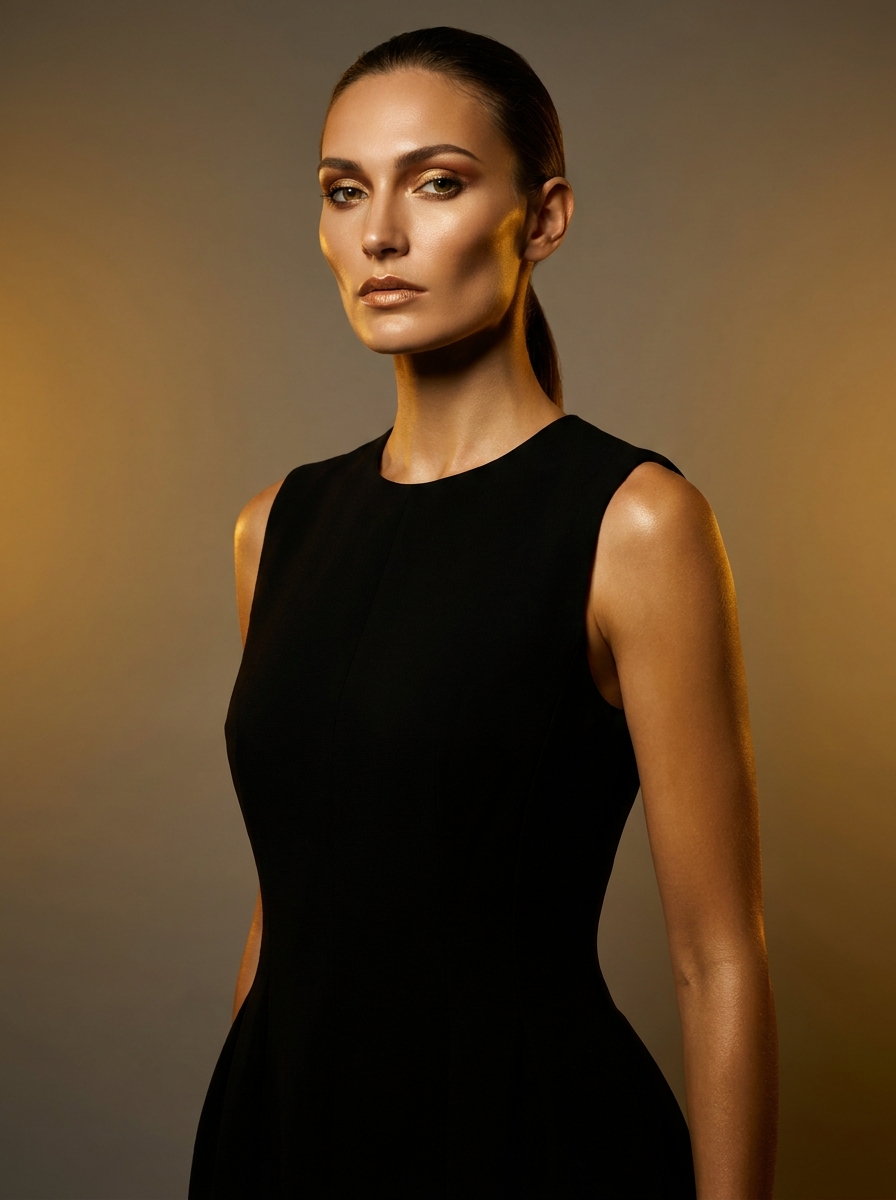
Key light is the main light source; a beauty dish creates that signature soft yet defined face. A grey seamless backdrop is standard studio cyclorama. "Glossy skin + precise makeup" triggers an editorial retouch without looking overly plastic.
Practice: 3 Quantium Tests
To figure out which model suits your needs, run the same prompt across three models. In Quantium, it takes less than a minute: pick your model from the menu, submit the text, then compare results.
| Criterion | FLUX 2 Pro | Midjourney v7 | GPT-Image |
|---|---|---|---|
| Photorealism | 9.4 | 9.2 | 8.6 |
| Prompt Adherence | 8.8 | 8.4 | 9.3 |
| Skin Quality | 9.5 | 9.0 | 8.2 |
| Hair & Textures | 9.0 | 9.3 | 8.4 |
| Cost per Image | 3 credits | 2 credits | 3 credits |
Quick takeaway: FLUX 2 Pro is for maximum photorealism and skin quality, Midjourney v7 for artistry and textures, and GPT-Image when precise adherence to a complex prompt is critical.
Common Mistakes
- Conflicting styles — "vintage + cyberpunk + cinematic" just makes a mess. Pick one direction.
- Forgetting aspect ratios — portraits want 3:4 or 4:5. Add
--ar 4:5in Midjourney, change the preset in FLUX. - Not specifying age/ethnicity — the model will give you a stereotypical "stock beautiful person." Be more specific: "woman in her 30s, East Asian features, short black bob."
- Too abstract a prompt — "beautiful portrait" means nothing to the model. Every word should carry technical or visual info.
- Overloading with adjectives — more than 4-5 stylistic words in a row start clashing. When in doubt, cut half.
Conclusion
These 5 formulas are starting points, not dogma. Mix blocks from different formulas: for instance, the basic formula + Rembrandt lighting + Kodak Portra will give you a vintage-dramatic portrait. Play with focal lengths (35mm, 50mm, 85mm, 135mm) — each gives a face its own character.
You learn fastest by iterating: generate sets of 4 variations, pick the best, then improve your prompt. At Quantium, one set costs 2–3 credits. And 20 free credits for new users are enough for a full training session.
Related