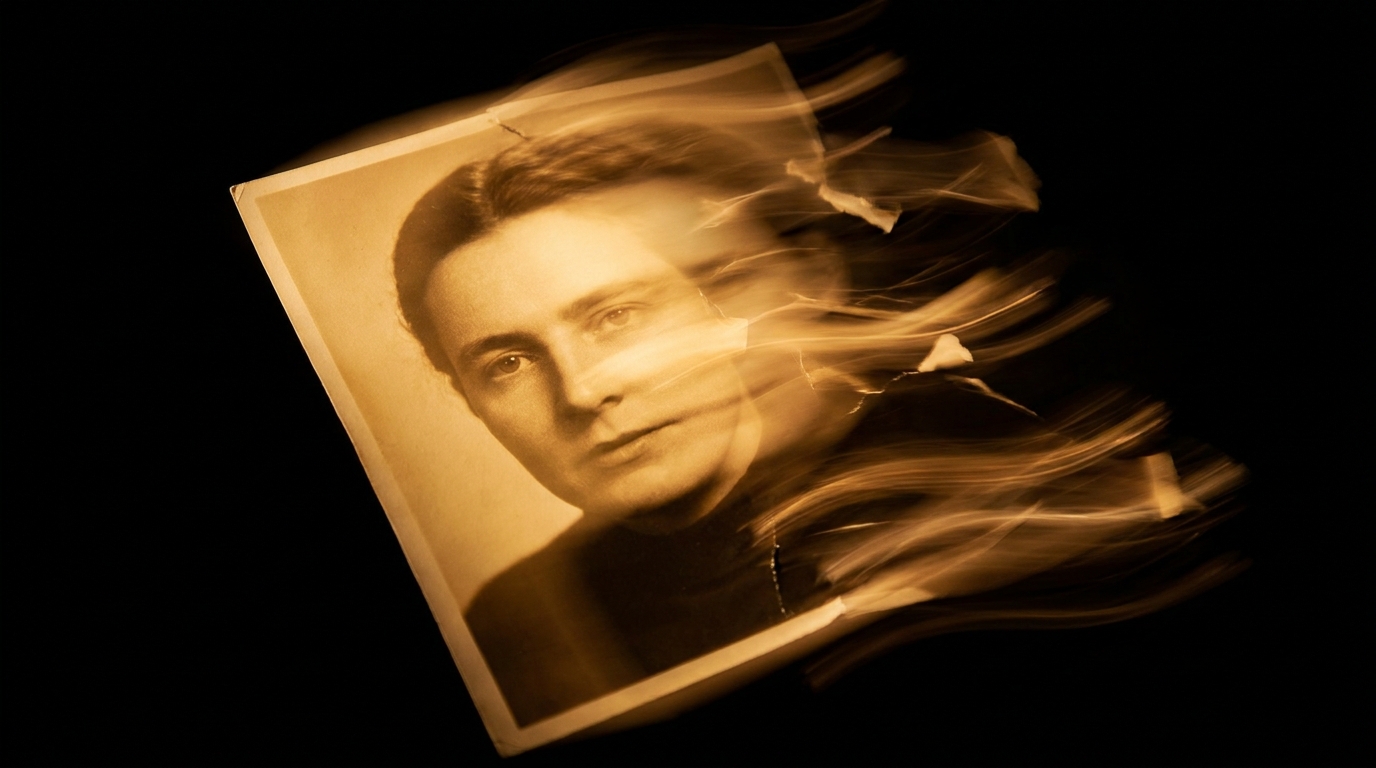
Image-to-video — a feature people eyed with suspicion a year ago. Today, it's driving entire content strategies. Grab a photo, add a quick movement description, and you get a 5-12 second video. In the Quantium video generator, that takes 30-90 seconds from upload to finished product.
How It Works
Technically: the model takes your photo as the "first frame" and builds out the next 120-300 frames (that's 5-12 seconds at 24 fps). It keeps the composition, color, and objects, trying to move them naturally – following real-world physics and your prompt.
Before, you'd see "wobbly faces" and "jerky hands." By 2026, on good models (Veo 3.1 and Kling v3), these artifacts pop up in only one out of ten frames.
Which Model for Image-to-Video?
Available in Quantium:
- Veo 3.1 — Our most reliable. It consistently holds the source composition, faces don't drift, and it even has built-in audio. 28 credits for 10 seconds.
- Kling v3 — Stronger with body movements and dance. Sometimes it interprets the source a bit more artistically. 22 credits for 10 seconds.
- Sora 2 — Delivers the most cinematic look, but sometimes it "strays" from the original. Better for artistic projects, not for documentary-style animation. 38 credits for 10 seconds.
Default to Veo 3.1. For dance/sports, use Kling. For ads and artistic work, go with Sora. More details in our Kling vs. Veo comparison.
What to Write in Your Prompt
The main rule: don't describe what's in the photo — describe what should happen. The model already sees the picture. It just needs to know the movement.
Bad: "woman in red dress standing in cafe" (that's describing the source).
Good: "she takes a sip of coffee, then smiles slightly and looks out the window" (that's telling it the movement).
What works well in a prompt:
- Specific actions ("turns head", "raises hand", "walks forward")
- Emotion in movement ("smiles slowly", "frowns then relaxes")
- Camera work ("slow zoom in", "pan left", "push toward face")
- Environment ("wind blows hair", "steam rises from cup")
- Pacing ("slow motion", "natural pace", "slightly slower than real time")
What Kind of Photo Works Best?
Not every photo gives you a great result. Here's what works:
- Clear, sharp face, not blurry, good focus
- Clear subject (one person, not a crowd)
- Natural lighting, no harsh backlighting
- Composition with space around the subject (not cropped too tightly)
- Resolution of at least 1024 pixels on the longer side
What usually breaks it:
- Photos in very dark rooms (the model can't see details)
- Multiple small faces (a kindergarten class, a concert) — the model gets confused
- Stylized illustrations (cartoons) — the result looks weird
- Heavily retouched photos — sometimes they "come alive" as unnatural plastic
5 Common Mistakes and How to Avoid Them
1. "The face gets wobbly after 3 seconds." Solution: Use Veo 3.1 instead of others, shorten the clip to 5-7 seconds. The shorter it is, the more stable.
2. "The movement is too jerky." Solution: Add "slow, gentle motion" or "natural pace" to your prompt. Without specific instructions, models sometimes overdo it.
3. "It made a different face." Solution: Use the prompt "keep face identity, only animate body and expression". This works on Veo.
4. "Hands turn into a mess." Solution: Ask the model not to move hands explicitly — "hands stay relaxed, no gesture". Or just pick a frame where hands aren't in view.
5. "Source size is too varied." Solution: Resize to square or 16:9 before uploading. The model doesn't like extreme aspect ratios.
For more practical tips, check out our image-to-video tutorial.
Pricing and Use Cases
With the Basic plan (3000 credits), that's 107 Veo 3.1 videos at 10 seconds each, or 136 Kling videos. VIP (15,000 credits) gets you 535 Veo videos. For a marketer with 4 creatives a week, that's a six-month supply.
Practical applications:
- Reels/Shorts from old static archive photos
- Animating client portraits for case study teasers
- Animated post covers for Telegram channels
- Product previews from e-commerce listings
- YouTube teasers from still footage
Related: Sora vs. Veo deep dive, Kling vs. Veo for people, your first Sora video, all Quantium video features.
Try Quantium for Free
20 credits a month on the free plan. 30+ AI models in one Telegram bot.
Open Bot →