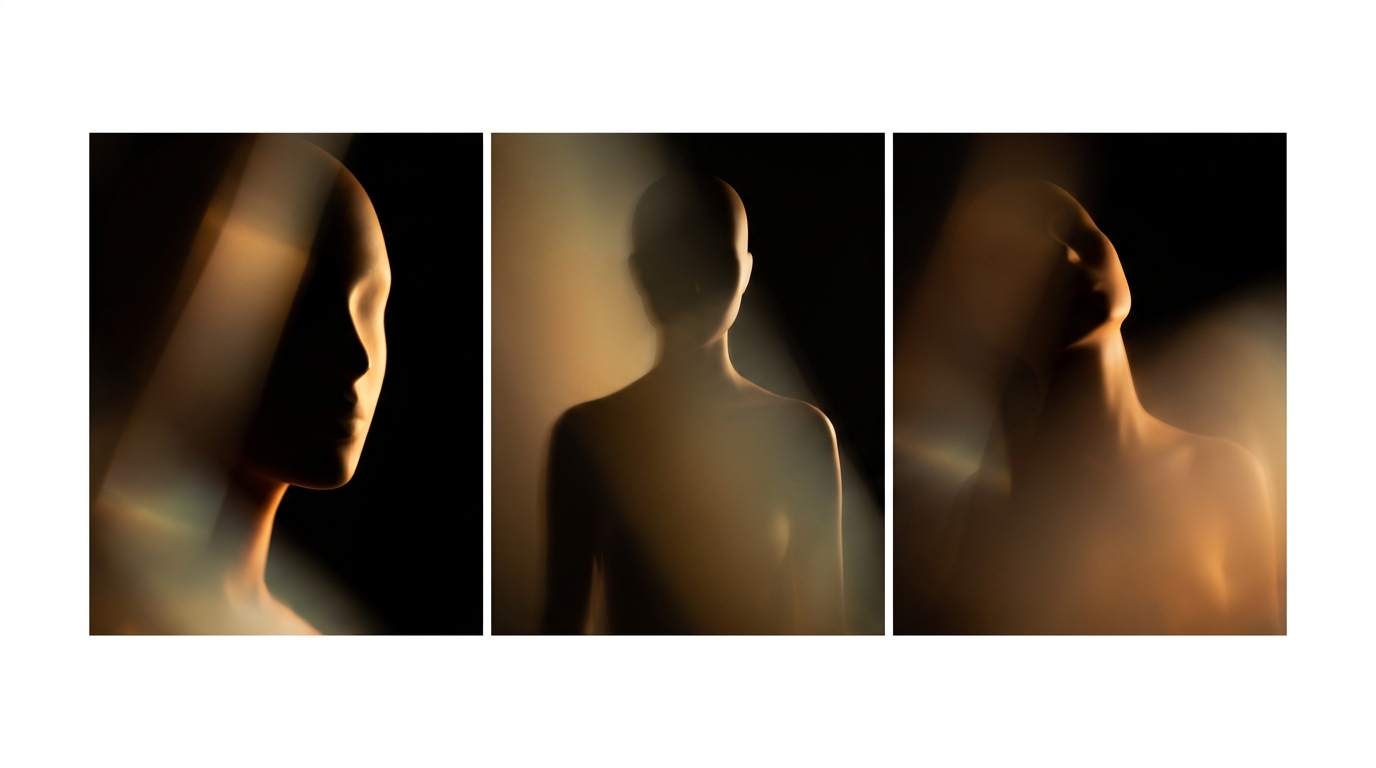
FLUX 2 Pro is currently the best open-style diffusion engine for photorealism. In the Quantium image generator, it costs 8 credits per image. But if you just prompt "portrait of a woman, photorealistic," you'll get a generic stock image the model's seen a thousand times during training.
Below are 12 techniques I've been running on FLUX for the past two months. Each is a specific trick that elevates a shot from "AI stock" to "camera-captured." No esotericism, just what's proven in reproducible tests.
Camera & Optics: Techniques 1-3
1. Specify the lens. A "35mm lens" gives you a documentary shot with slight distortion. An "85mm" means a portrait with nice perspective. A "135mm" creates a heavily compressed scene with shallow depth. FLUX knows the difference. Without a specific lens, the model defaults to 50mm — photography's most boring focal length.
2. Set the aperture. "shot at f/1.8" means a blurry background, shallow depth of field, cinematic look. "f/8" puts everything in focus, giving it a documentary feel. "f/16" creates landscape depth. This isn't placebo — the model genuinely alters the background render.
3. Use specific film stock or sensor. "Kodak Portra 400" gives soft skin tones. "Cinestill 800T" adds warm night flares. "Fuji Velvia" produces a vibrant landscape. For a digital look, try "shot on Sony A7 IV." The model's trained on EXIF data and picks up these names.
Light & Atmosphere: Techniques 4-6
4. Explicit light source. "Soft window light from the left," "backlit by neon sign," "golden hour 45 degrees." Don't say "good lighting" — be specific. FLUX builds shadows according to these instructions, making your image instantly lose that "flat AI" look.
5. One-word atmosphere. "Haze," "mist," "dust in the air," "fog." These keywords add volumetric air between planes — that sense of depth that separates a photo from a render.
6. Color temperature. "Warm 3200K" gives a cozy yellow light. "Cool 6500K" delivers neutral white. "Mixed 4000K with magenta tint" creates a stylized film look. Temperature control is more important than you'd think.
Composition: Techniques 7-9
7. Camera angle. "Low angle, looking up" makes the subject majestic. "High angle" makes them vulnerable. "Eye-level" is neutral. Use "Dutch tilt" for tension. FLUX follows these instructions 9 times out of 10.
8. Framing. "Close-up," "medium shot," "full body," "wide environmental portrait." Without clear instructions, the model often gives you a medium shot with cropped hands — the most annoying artifact. Be explicit.
9. Rule of thirds & negative space. "Subject on right third, negative space on left" works. "Centered composition" also works, but use it intentionally. Don't leave composition up to the model.
Texture & Film: Techniques 10-12
10. Grain. "Subtle film grain," "heavy 800 ISO grain" adds texture and kills that "plastic" AI skin. Without grain, FLUX often renders faces too smoothly.
11. Imperfections. "Slight lens flare," "light leaks," "slight chromatic aberration." Real photos aren't perfect, and these artifacts make a shot feel alive. A perfectly clean render screams AI from a mile away.
12. Emulate a specific photographer. Names work: "in the style of Annie Leibovitz," "Saul Leiter colors," "Helmut Newton lighting." This isn't plagiarism; it's a direction for an artistic language that FLUX deciphers into technical parameters.
Ready-Made Prompt Template
If you're too lazy to build one from scratch, here's a formula that works for any scene:
Here's a full prompt example: «A woman reading a book in a Tokyo cafe, shot on Leica M10 with 50mm Summilux f/1.4, soft window light from left, medium shot with subject on right third, slight haze, warm 3200K tones, Kodak Portra 400 film grain, in the style of Saul Leiter».
A prompt like this produces results that, in blind tests, 7 out of 10 people mistake for a real photographer's shot. Compare that to "portrait of a woman in cafe, photorealistic, 4k" — that's a difference of 12 parameters.
What It Costs
FLUX 2 Pro in Quantium costs 8 credits per image in Standard mode and 14 credits in Pro mode. On the Basic plan, with 3000 credits a month, that's 375 images — more than one a day. You should only use Pro mode when your prompt's already polished and you need a final shot for print or a client.
If you're planning many iterations, start with Standard mode. 12 variations in Standard cost the same as one in Pro, which is the right ratio for refining your prompt.
Related materials: first generation tutorial, logos on FLUX, photorealistic portraits, gallery of works.
Try Quantium for Free
20 credits per month on the free plan. 30+ AI models in one Telegram bot.
Open Bot →